
5 Common Squarespace Design Mistakes and How to Avoid Them
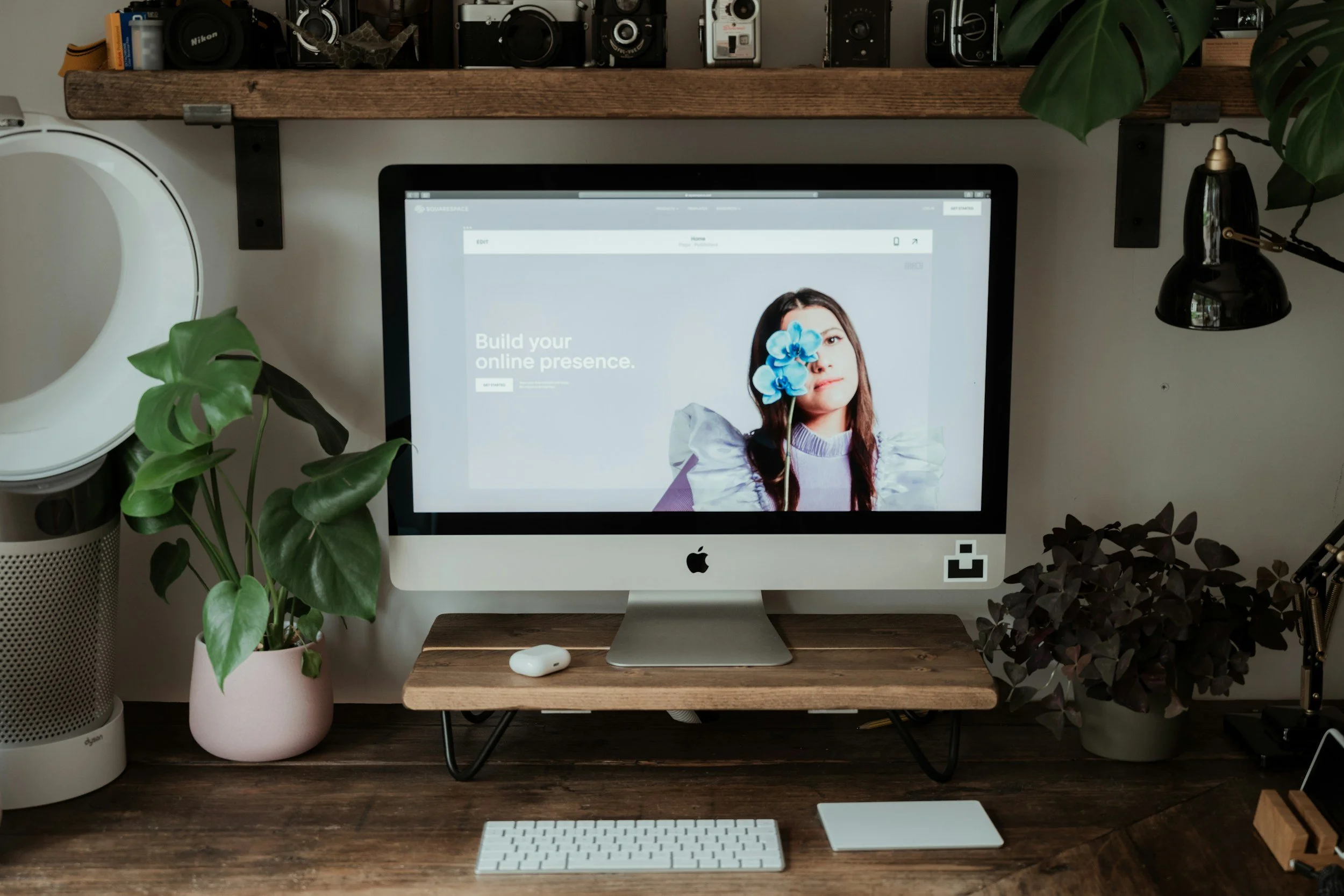
Squarespace is one of the most popular website builders that offer a user-friendly interface and customizable templates to help businesses create a professional-looking website. However, with a plethora of design options, there are some common design mistakes that people make. In this article, we'll discuss five common Squarespace design mistakes and how to avoid them.
Font
Choosing the wrong font is one of the common design mistakes that people make. Fonts play a crucial role in website design as they can make or break the website's aesthetic. It's important to choose a font that matches your brand's style and personality. Avoid using too many fonts or choosing fonts that clash with your brand's style. Stick to one or two fonts and ensure that they are easy to read.
Images
Overloading with images is another common mistake that people make. While images can enhance your website's design, too many images can slow down your website's loading times and make it hard to navigate. Use images sparingly and ensure that they are optimized for web use. You can compress the images before uploading them to your website to reduce their size and improve loading times.
Mobile Responsiveness
Neglecting mobile responsiveness can also hurt your website's design. With more than half of all website traffic coming from mobile devices, it's crucial to ensure that your website is mobile-responsive. Neglecting mobile responsiveness can make your website hard to navigate and frustrating for users. Squarespace offers mobile-responsive templates that automatically adjust to different screen sizes. Ensure that you choose a mobile-responsive template and test your website on different devices to ensure that it's easy to navigate.
Colors
Using too many colors is another common design mistake that people make. While using a range of colors can make your website look visually appealing, using too many colors can make your website look cluttered and overwhelming. Stick to a color palette that matches your brand's style and personality. You can use color palette generators to help you choose a color scheme that works well together.
SEO
Ignoring SEO is another common mistake that people make. Squarespace is designed with SEO in mind, so ignoring SEO can hurt your website's search engine rankings. Ensure that your website is optimized for search engines by using relevant keywords, meta descriptions, and alt tags. You can use Squarespace's built-in SEO features and tools like Google Analytics to track your website's performance and make improvements.
In conclusion, Squarespace offers a plethora of design options that can help businesses create a professional-looking website. However, it's important to avoid common design mistakes like choosing the wrong font, overloading with images, neglecting mobile responsiveness, using too many colors, and ignoring SEO. By avoiding these common Squarespace design mistakes, you can create a website that is easy to navigate, visually appealing, and optimized for search engines.